
Download Vista High XP – Windows Vista Icon Pack, Desktop Customization, PC Aesthetic, Modern UI, High-Resolution Icons
Overview
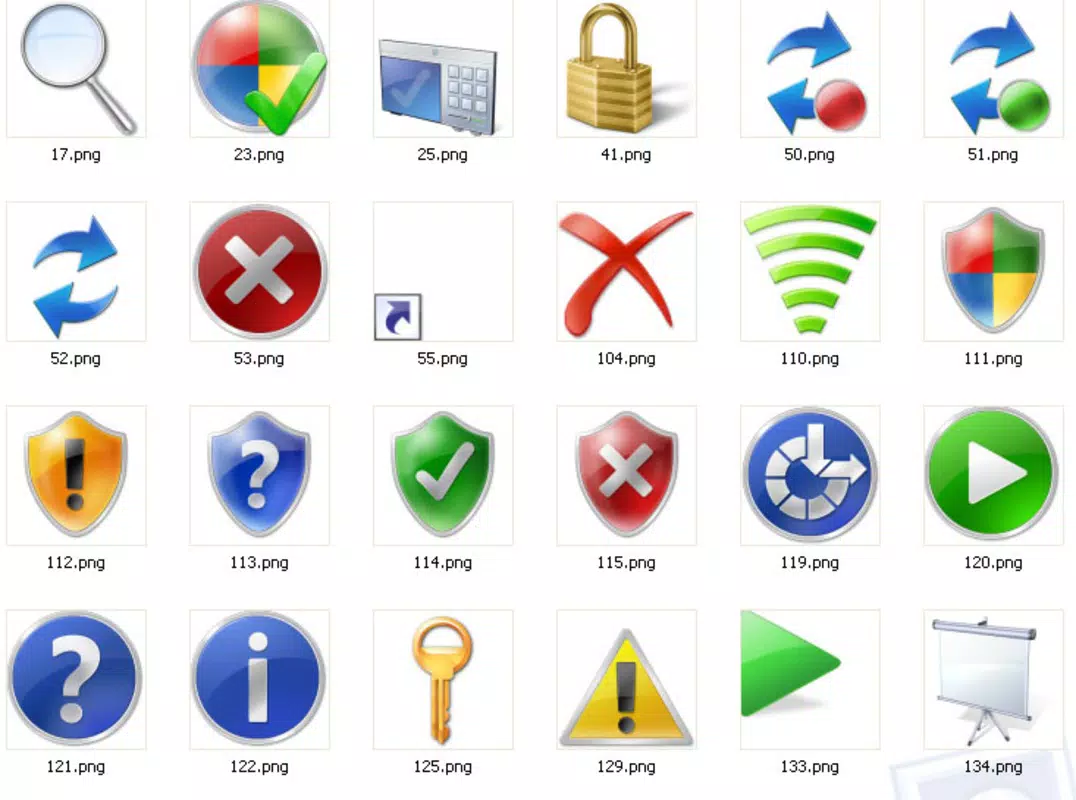
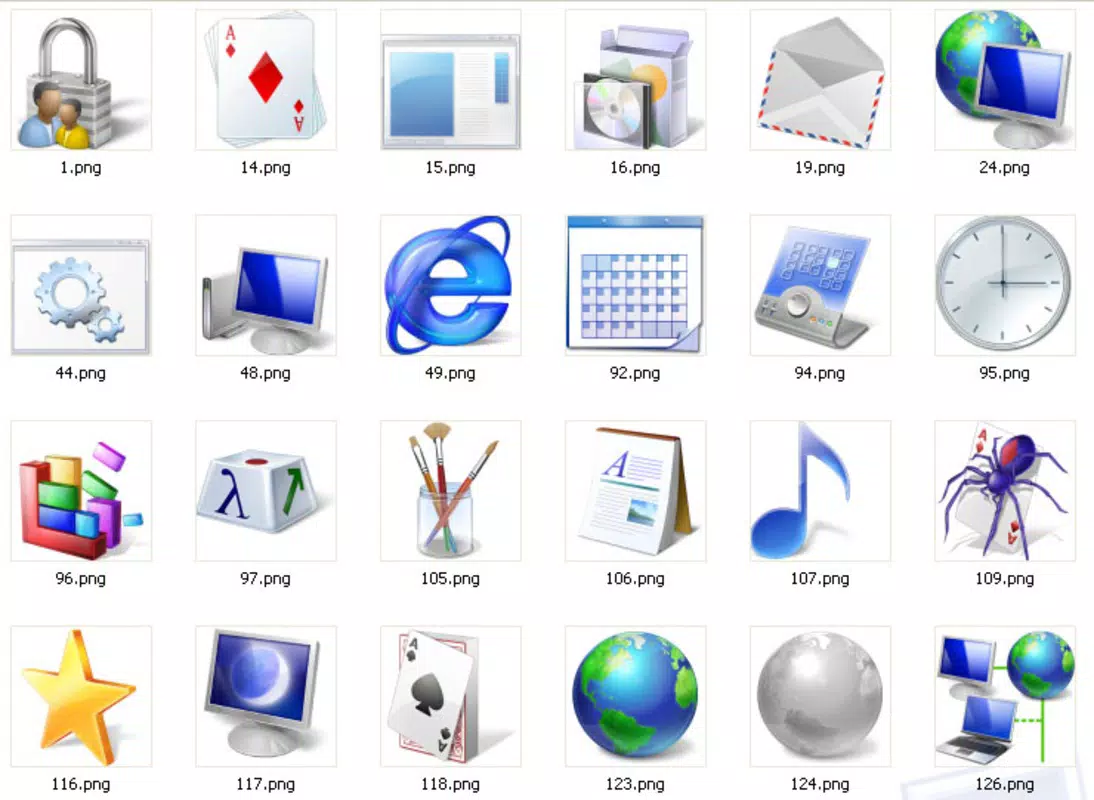
The Vista High XP icon pack is a desktop customization tool designed to modernize and elevate the visual experience of Windows Vista users. Created in early 2006, it offers a curated collection of over 150 uniquely crafted icons, aiming to transform the standard interface into a sleek, contemporary environment. The primary purpose of this app is to enhance visual appeal and user satisfaction by providing a fresh aesthetic that aligns with modern design principles. It addresses the common desire among users to personalize their computing space, making daily interactions with their PC more engaging and enjoyable.
Target users include individuals seeking to improve their desktop’s appearance, especially those who value visual consistency and high-quality design elements. The pack is particularly suited for users who wish to maintain compatibility with Windows Vista while upgrading their interface’s look and feel. Although the developer is not publicly identified, the release date of February 15, 2006, indicates a historical context tied to the early adoption phase of Windows Vista. This places the app within a niche but meaningful segment of the desktop customization ecosystem, where visual polish and usability intersect.
Real-world use cases include personalizing workstations for improved motivation, enhancing the appearance of home PCs, and creating a more professional look for presentations or shared devices. The icon pack contributes to a broader trend of user-driven interface customization, empowering individuals to take control of their digital environments. Despite its age, Vista High XP remains relevant for users still operating on Windows Vista systems, offering a lightweight yet impactful upgrade to their desktop experience.
Key Features & Functionality
- Diverse Icon Collection: The pack includes over 150 icons organized into five distinct categories, enabling users to find icons that match their workflow or personal taste. This variety supports both functional and aesthetic needs across different applications and folders.
- Multiple Size Options: Each icon is available in two formats: 16x16 ICO for small-scale use and 256x256 PNG for high-resolution displays. This dual-sizing approach ensures visual clarity across different screen types and resolutions.
- Elegant Aesthetic: Designed with a modern and polished look, the icons feature clean lines, subtle shadows, and harmonious color schemes that enhance the overall visual coherence of the desktop interface.
- Easy to Install: The installation process is straightforward and user-friendly, requiring minimal technical knowledge. Users can apply the new look in just a few minutes, making it accessible to beginners and experienced users alike.
- Enhances User Experience: By updating the visual language of the desktop, the icon pack contributes to a more enjoyable and efficient computing experience. A visually pleasing interface can reduce cognitive load and improve navigation ease.
For example, a user working on a design project might apply the high-resolution icons to their project folder, creating a more immersive and professional workspace. Similarly, a home user could use the pack to refresh their desktop after years of using default icons, reinvigorating their daily interaction with the system.
Interface, UX & Performance
The Vista High XP icon pack does not include a standalone user interface, as it is a system-level customization tool. Instead, its functionality is accessed through the Windows Vista personalization settings. The installation process is designed to be intuitive, guiding users through the application of the new icon set without requiring advanced system modifications.
Navigation is handled through standard Windows controls, ensuring consistency with the operating system’s native workflows. Users can preview and apply the icon pack directly from the desktop customization menu, which maintains a familiar experience across different user skill levels. The visual style is cohesive, with icons maintaining consistent proportions, spacing, and stylistic elements across all categories.
Although the developer did not list formal performance metrics, the lightweight nature of the icon files suggests minimal impact on system resources. The pack is designed to be stable and compatible with standard Windows Vista configurations. Responsiveness is expected to be consistent with the OS’s native performance, as the icons are delivered in widely supported formats like ICO and PNG.
Platform Compatibility & Technical Requirements
Vista High XP is designed exclusively for the Windows Vista operating system. The app is available in a file size of approximately 4.2 MB, making it a lightweight addition to any system. The software version is not specified in the provided data, and no minimum OS requirements were listed beyond the platform name.
Compatibility information was not fully disclosed, but given its release date in 2006, it is intended for systems running Windows Vista with standard desktop configurations. The developer did not specify whether the pack supports 64-bit systems or advanced display settings beyond standard resolution.
Pros and Cons
Pros
- Over 150 uniquely crafted icons for diverse customization needs
- Supports multiple icon sizes for compatibility with different displays
- Simple, user-friendly installation process
- Enhances visual appeal and user engagement
- Lightweight file size with minimal system impact
Cons
- Designed specifically for Windows Vista, limiting use on modern systems
- No official support or update history available
- Developer identity and technical details not disclosed
- May not be compatible with newer Windows versions or high-DPI displays
- Limited to desktop icon customization, no additional features
FAQ
Is Vista High XP compatible with Windows 10 or 11?
The developer did not specify compatibility with operating systems beyond Windows Vista. As such, it is not guaranteed to work on newer versions of Windows.
Can I use Vista High XP on a 64-bit system?
Compatibility information was not fully disclosed. While some older icon packs function on 64-bit systems, this cannot be confirmed without official documentation.
Is the icon pack safe to install?
As a desktop customization tool distributed in standard image and icon formats, Vista High XP does not contain executable code. However, users should only download it from trusted sources to ensure security.
How do I install Vista High XP?
Installation is straightforward and typically involves extracting the files and applying the icon set through Windows Vista’s personalization settings. The process is designed to be accessible even for non-technical users.
Does Vista High XP require internet access after installation?
No, the icon pack operates offline once installed. It does not rely on external services or continuous connectivity.
Final Thoughts
Vista High XP stands as a testament to the enduring value of thoughtful desktop customization. Though developed over a decade ago, it continues to offer a refined aesthetic upgrade for users still invested in the Windows Vista ecosystem. Its blend of visual elegance, functional versatility, and ease of use makes it a standout choice for anyone seeking to refresh their interface without compromising system performance.
While its compatibility is limited to older systems, the app delivers significant value within its intended scope. It’s ideal for retro computing enthusiasts, system administrators managing legacy environments, and users who appreciate high-quality, handcrafted design elements. The lightweight footprint and straightforward installation further enhance its appeal.
For those using Windows Vista and looking to elevate their desktop experience, Vista High XP is a reliable, secure, and visually rewarding tool. Download Vista High XP now.


